
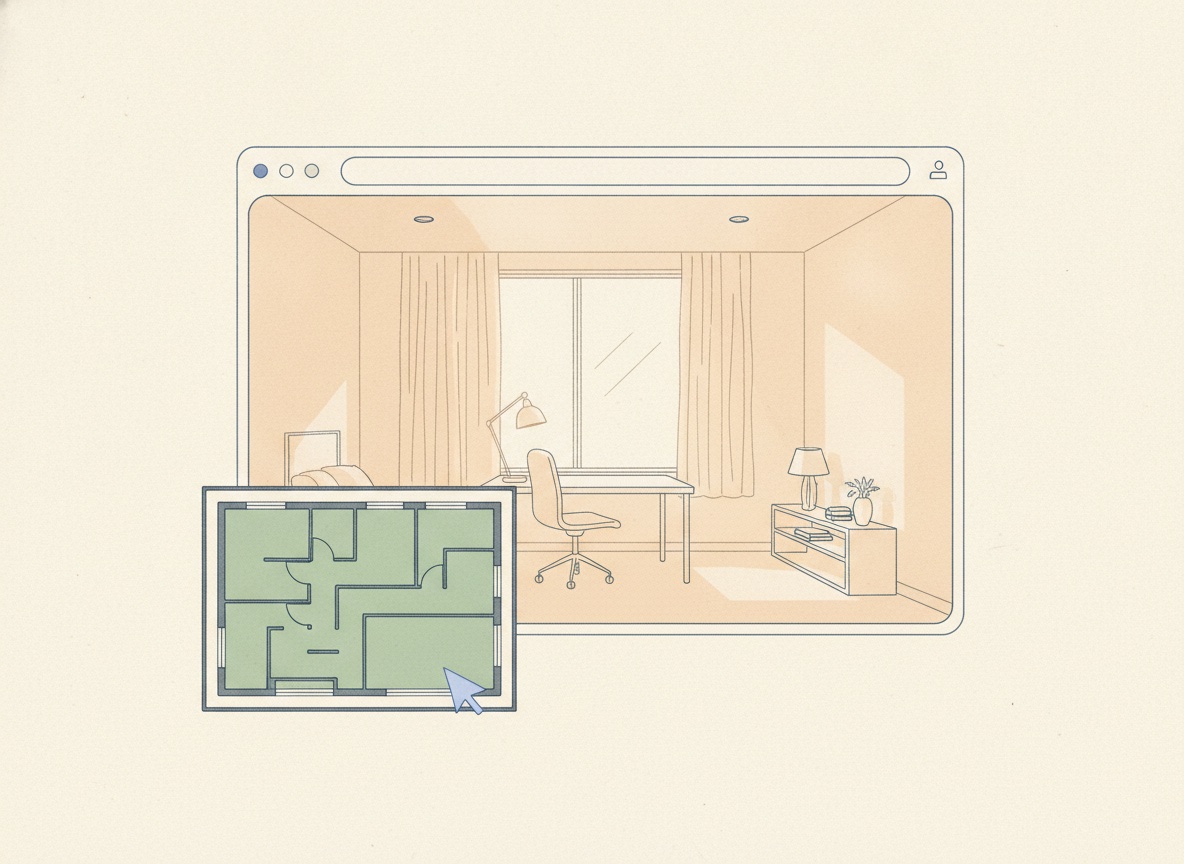
Built from the model you already approved.
The leasing site is where the model goes: no second brief and no second wait. You review the extraction once (walls, core, columns, labels), and the site is assembled from the version you signed off, which is why the plan on the page and the space in the render cannot disagree.
- Generated, not re-drawn. The page is built from the approved model.
- Correct it once. Fix something in the model and the site describes the corrected space.
- One space, one site. A floor or suite gets its own address rather than a row in a PDF schedule.
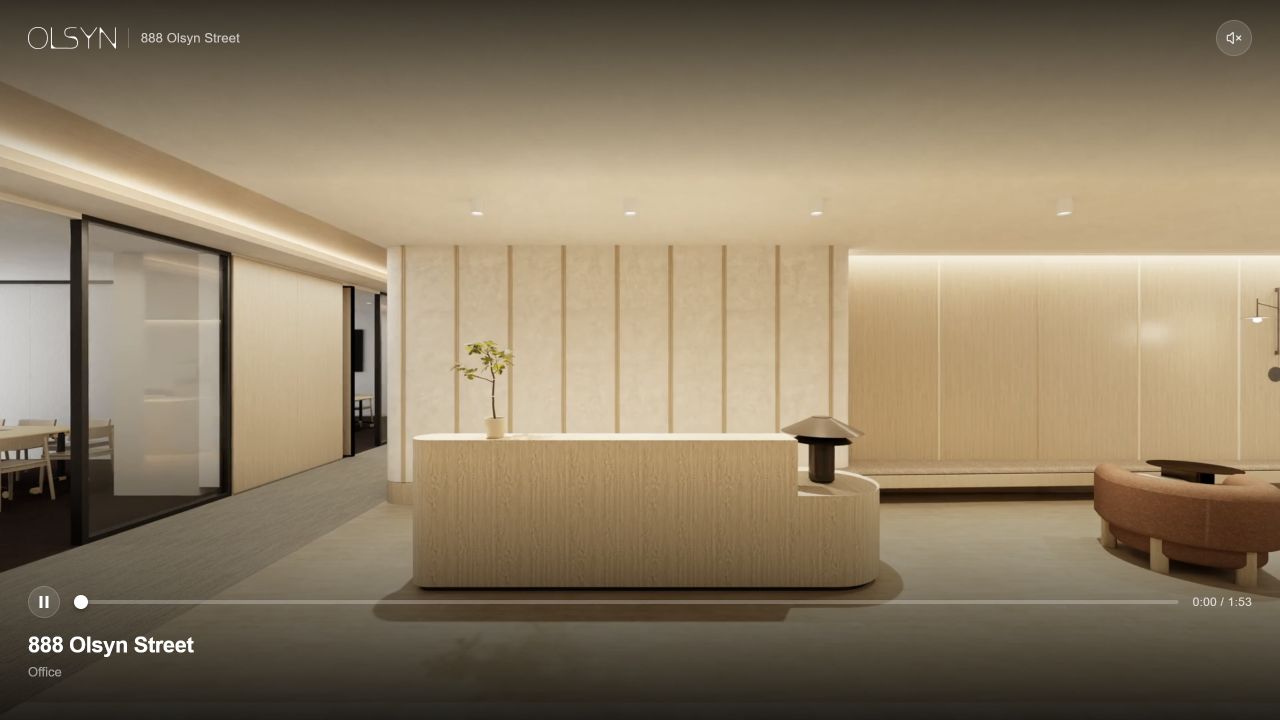
Everything a prospect scans for, in the order they scan for it.
Area, floor, availability. Then the pictures. Then the interactive model and the plan fitted to it, for the ones who want to know where the light comes from and which corner the boardroom would take. Then the agent, at the point in the page where a reader has finally decided to ask.
- The numbers first. The three or four facts every enquiry starts with, above the fold.
- The space, shown. Stills and video, full-bleed and full-size.
- The model, live. The interactive 3D view beside the fitted vector plan: the space itself, open to walk.
- The agent, present. Named contact details on the page, where the interest is.
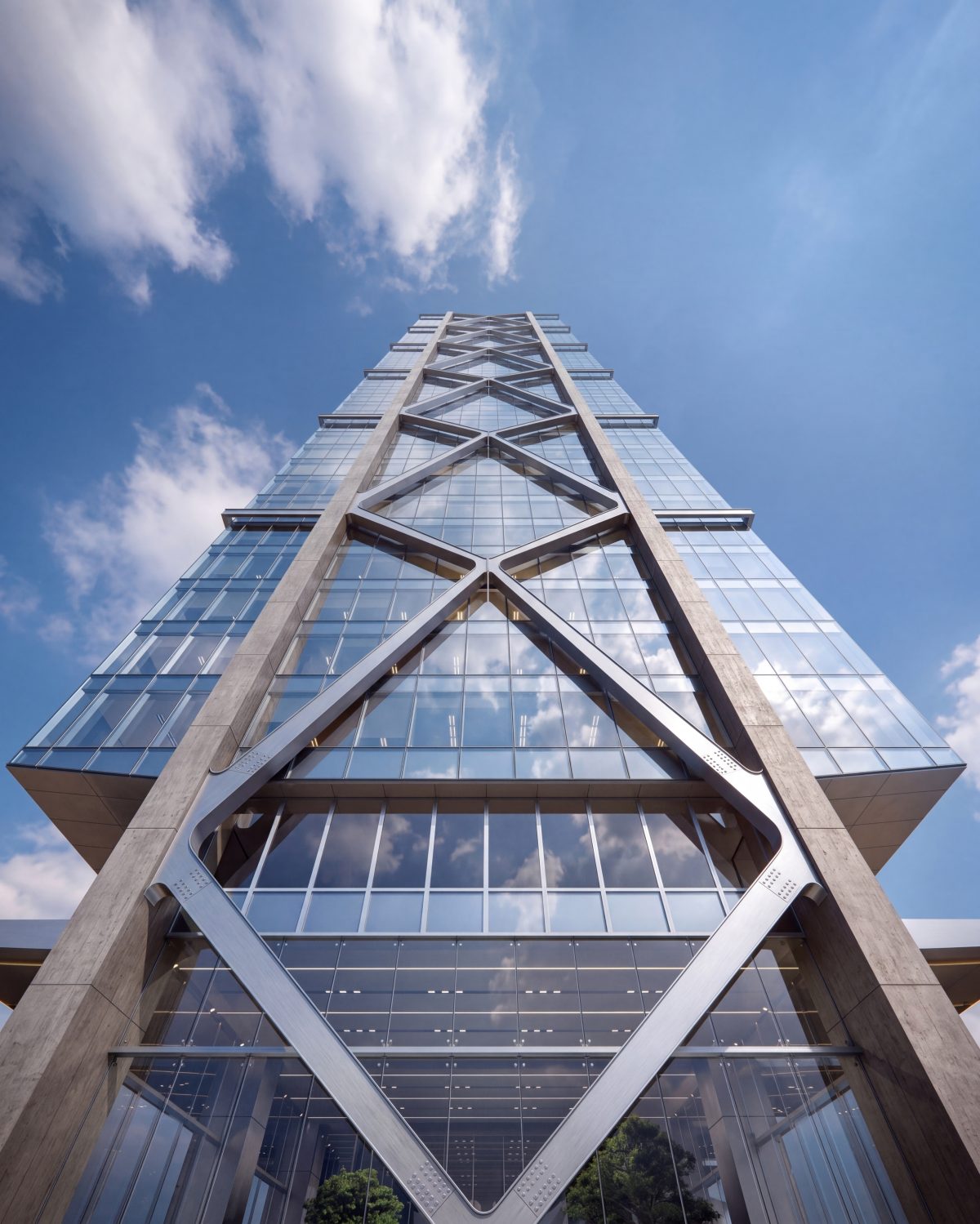
A link survives being forwarded. A 40MB PDF does not.
The way a space actually reaches its market is sideways: an agent sends it to a tenant rep, who sends it to a client, who opens it on a phone between meetings. Everything StudiO publishes is a normal web page, openable by the third person in the chain.
- Hosted for you. One address to send; nothing to attach.
- Reads on a phone. The same page, laid out for the screen it opened on.
- Nothing to install. The 3D view runs in the browser tab it was opened in.
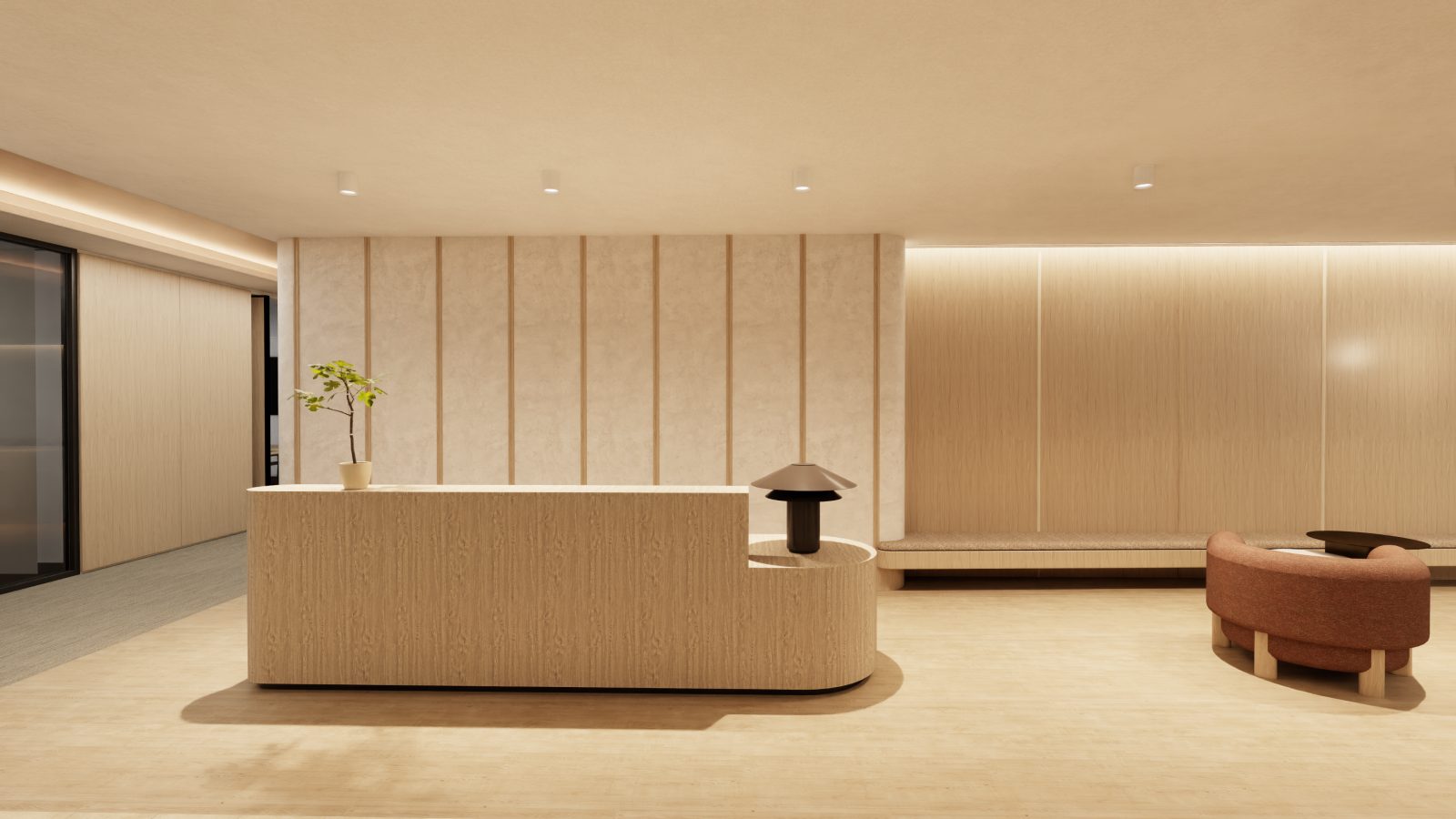
Live the day after the plan lands.
The gap between "we have the floor" and "we have something to send" is where campaigns lose their first fortnight. StudiO closes it to a day: upload the plan, review what came out of it, launch the site. The slowest step is the one that should be, a person looking at the model and agreeing it is right.
Launch is 24 hours after the plan lands, and the review in the middle is the part worth spending time on.
The short version.
- Built from
- The approved model: see Floorplan to 3D.
- On the page
- Key figures, imagery and video, the interactive 3D view, the fitted vector plan, and the agent’s details.
- Delivery
- One hosted link per space, ready to send.
- Devices
- Any modern browser, desktop or phone. Nothing to install.
- Turnaround
- Upload in 2 minutes. Review in 1 hour. Launch in 24 hours.
- See it
- A live example runs at /leasing.