
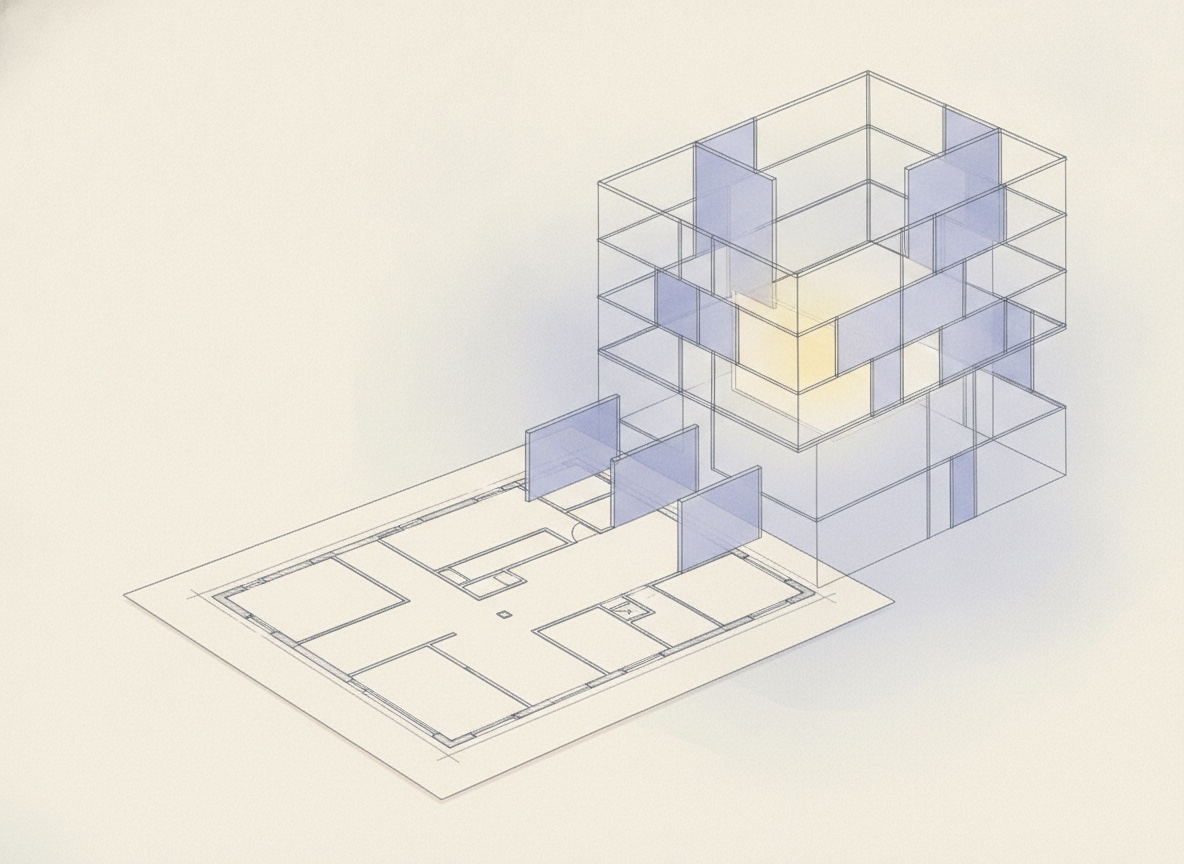
Hold it still, or move it through.
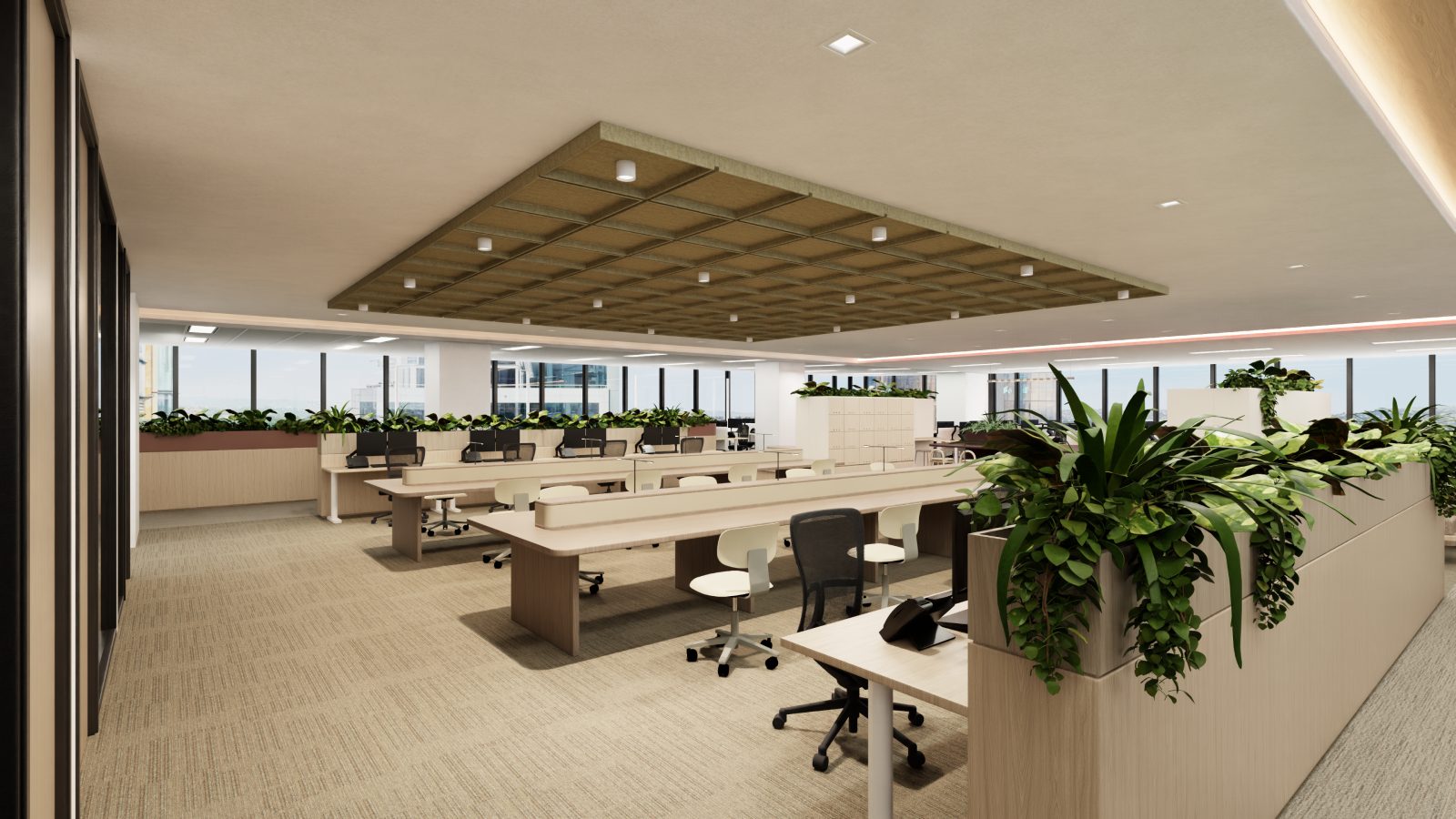
A still is a position. You choose where the camera stands in the extracted scene and the image comes out of that spot: the length of the floor from the lift lobby, the corner with glazing on two sides, the meeting room a tenant will ask about.
A flythrough is the same camera on the move, carried through the scene so the space arrives in the order someone would walk it. Same geometry, same fitout. The camera is the only thing that changes.
And because the scene came off the plan, what is in the frame is what is in the drawing.
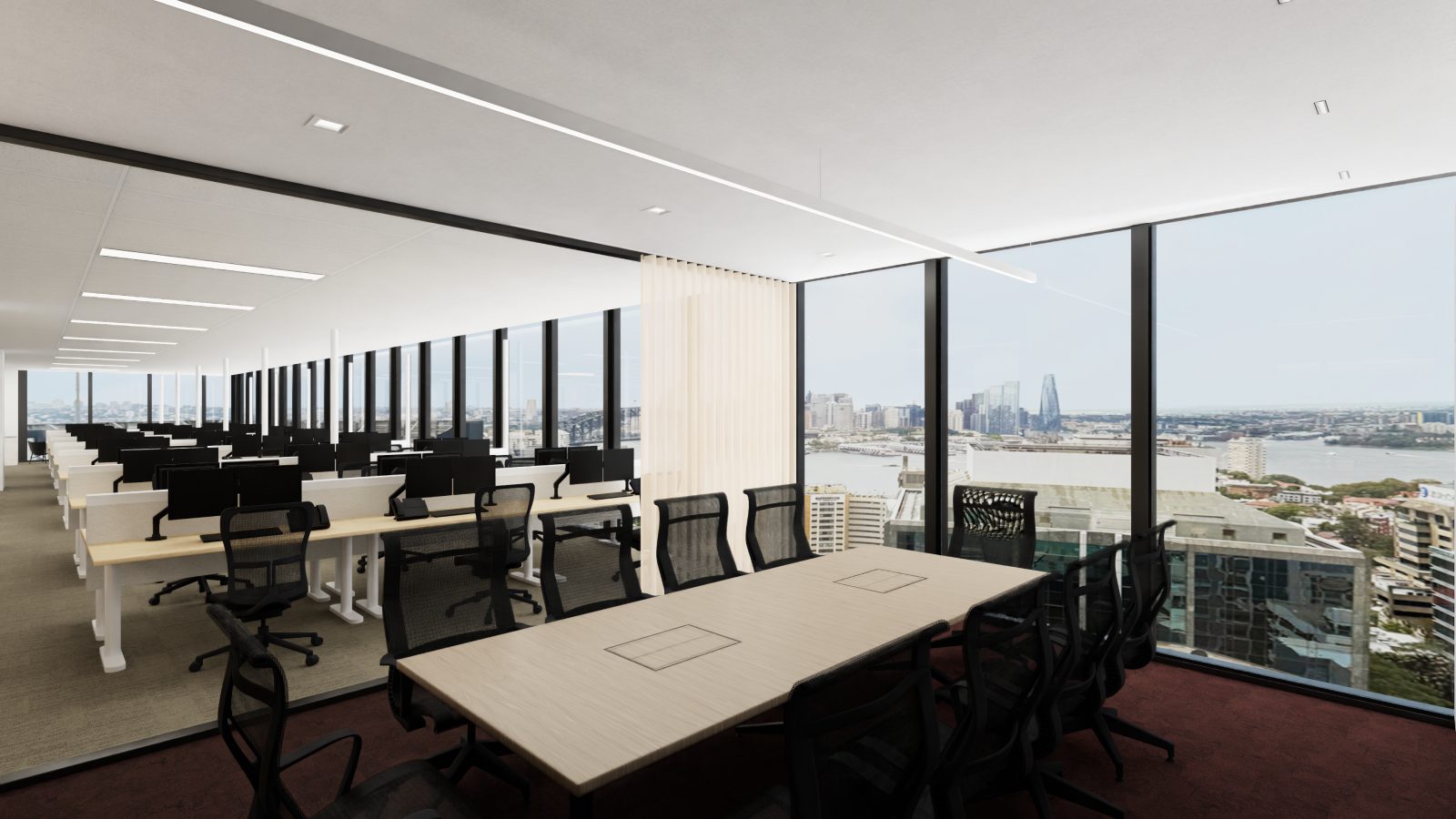
Marketing images before there is anything to photograph.
Early-stage material usually waits on one of two things: a space finished enough to photograph, or a CGI package commissioned from an outside studio. Both take a decision, a budget and a brief before a single image exists.
Rendering from the extracted scene removes that wait. The drawing is already in hand, so the deck, the listing and the brochure can carry a view of the space while the space is still a set of levels on a page.
- Decks. A view of the floor in the document that goes to the board or the client.
- Listings. Stills for a tenancy that has no photographs yet, and a flythrough on the page they sit on.
- Brochures. Print and PDF material drawn from the same scene as everything else.
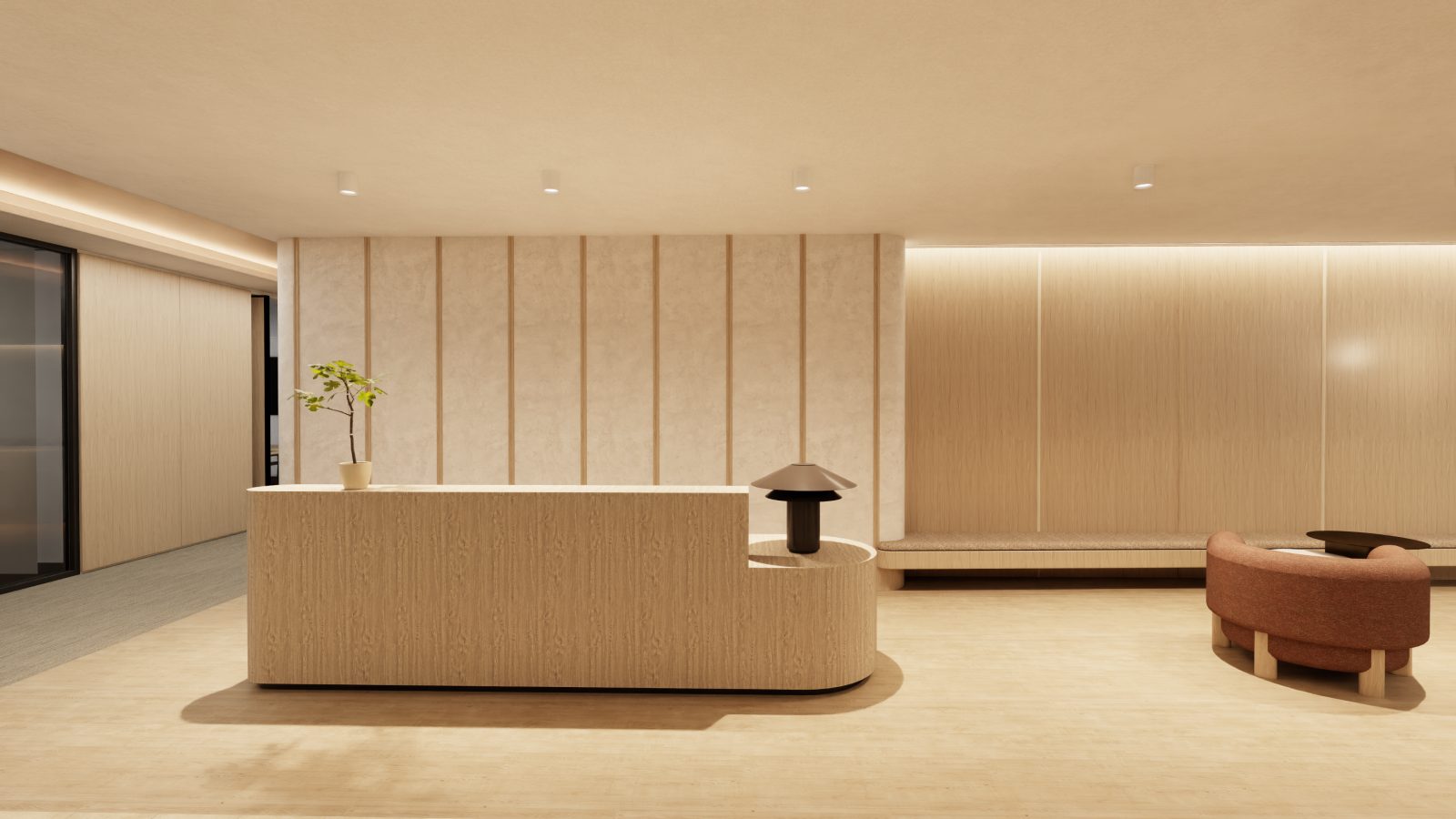
Dress the scene first, then render it.
An extracted floor arrives bare: walls, core, envelope. A theme applies a fitout to it, and the camera comes afterwards, which is why two renders of the same tenancy can look like two different offers to the market.
The themes are their own product. Themes covers what a fitout changes and what it leaves alone.
A render is not a photograph.
What the camera is pointed at is draft geometry, extracted from a drawing rather than surveyed on site. It is right for visualisation, marketing and early decisions. It is not construction-grade BIM and not a measured survey, so it is not something to build from.
The fitout in the image is plausible, not documented. Furniture, finishes and light are a proposal about how the space could read, and a viewer should treat them that way.
Moving the camera changes none of that. A flythrough is a tour of the extracted scene, and it carries the same ceiling as the stills do.
One rule covers the rest of it. If a thing is not in the source drawing, it is not in the render.
The short version.
- Input
- The 3D scene extracted from your floorplan, PDF or raster.
- Method
- A camera set in that scene, held in place or moved through it.
- Produces
- Still images, and a flythrough of the same scene, for decks, listings and brochures.
- Fitout
- Optional. Apply a theme before the render, as described on Themes.
- Source
- The extraction described on Floorplan to 3D.
- Replaces
- The photoshoot or commissioned CGI that early marketing material would otherwise wait on.
- Not
- A photograph or a walkthrough video of a built space, construction-grade BIM, or a measured survey.
Draft geometry for visualisation, marketing and early decisions, stated on this page in the same words as on every other, because it does not change depending on who is reading. StudiO is in early access, so we do not quote a turnaround here.
Around the camera.
Where the scene comes from
The extraction that turns a floorplan into the geometry the camera is pointed at.
What the space is wearing
The fitout applied before the render, and what it changes.
The version they steer
The same model in a browser tab, where the person you sent it to picks the view instead of following the camera.
Taking the geometry out
For the work that happens after the images have done their job.
Where the images get published
The hosted leasing site that carries the renders out to the market.